Struggling with aligning your 3D printed parts? This guide offers step-by-step instructions, tips, and techniques to ensure accurate, seamless fitment every time.
How to Clean a 3D Printer Nozzle: Easy Steps for Optimal Performance
4.
How to Clean a 3D Printer Nozzle: Easy Steps for Optimal Performance
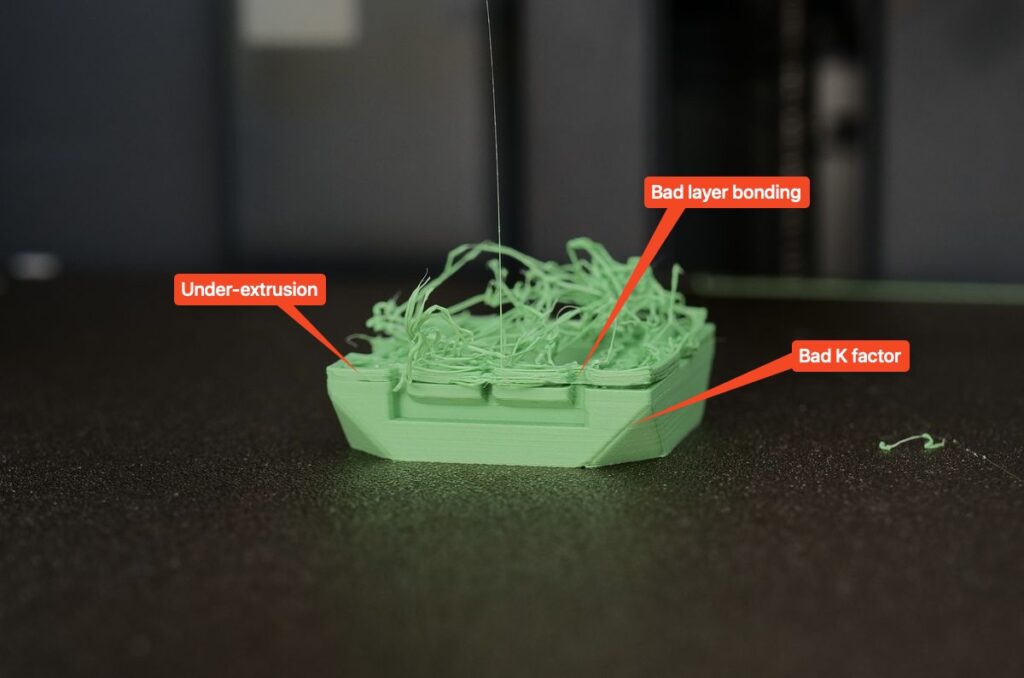
Your 3D printer nozzle is the heart of your machine. When it’s clean, your prints are flawless—smooth layers, perfect details, zero interruptions. But when it clogs, everything falls apart: uneven extrusion, wasted time, and failed prints.
The good news? Learning how to clean a 3D printer nozzle doesn’t have to be complicated.
In this guide, we’ll show you simple, proven steps to clean your nozzle quickly and effectively. Whether you’re dealing with a light residue or a stubborn clog, we’ve got you covered.
Let’s dive in and get your 3D printer back to its best.
Why Does Your 3D Printer Nozzle Get Clogged?
If the nozzle of your 3D printer is getting clogged, here’s a simple breakdown of what might be going on and how to fix it:
- Filament Quality: If you’re using a green filament, make sure it’s high-quality. A cheap filament often contains dust or moisture, which can clog the nozzle. Store it in an airtight container with desiccants to keep it dry.
- Clean the Nozzle: Regular cleaning is key. You can try a cleaning needle to clear any small obstructions or perform a cold pull (using a lower-temperature filament, like nylon, to pull out debris). This helps remove stubborn buildup.
- Check the Temperature: Ensure your printer’s extruder temperature is set correctly for the filament you’re using. Too low, and the filament might not extrude properly; too high, and you risk burning or over-extruding, which can cause clogs.
- Regular Inspections: Look for signs of wear or partial clogs in your nozzle. Even small issues can build up over time, so catching them early saves you from larger headaches.
A little care and attention can go a long way in preventing nozzle clogs and keeping your prints running smoothly!
If your 3D printer nozzle is clogged, you'll notice these signs:
Issue | Description |
| Poor or uneven extrusion | The filament comes out inconsistently or not at all. |
| Clicking sounds | The extruder motor struggles and makes clicking noises while trying to push the filament. |
| Under-extrusion | Layers appear thin, incomplete, or uneven. |
| Filament curling | Instead of flowing straight, the filament curls up around the nozzle. |
| No filament output | The printer runs, but no material comes out. |
-
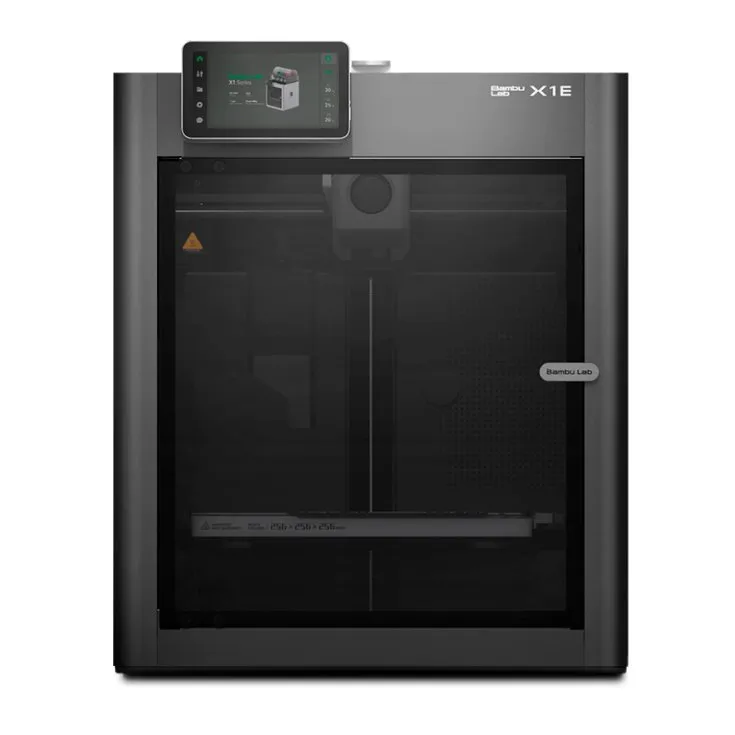
Bambu Lab X1E
For professionals and engineering applications.
-
Technology:
FFF
-
Materials:
Plastic Filaments
-
Technology:
Bambo Lab X1E.
The Bambu Lab X1E elevates the X1 3D Printer Series’ capabilities by implementing advanced features that align with the needs of enterprise and engineering applications.
Let’s move on to understanding the types and sizes of nozzles you might be working with.
Understanding 3D Printer Nozzle Types and Diameters
Nozzles come in different types and diameters, each serving a specific purpose. The most common material is brass, ideal for standard filaments like PLA and ABS.
Tip: Hardened steel or ruby-tipped nozzles are the go-to options for more abrasive materials, like carbon fiber or wood-filled filaments.
When it comes to diameters, the standard size is 0.4 mm, perfect for most 3D printing needs. Smaller nozzles, like 0.2 mm, are great for highly detailed prints but take longer. Larger nozzles, such as 0.6 mm or 0.8 mm, speed up printing and handle thicker layers, but sacrifice fine details.
Knowing your nozzle type and size will help you clean it effectively without damaging the material.
Essential Tools and Supplies for Cleaning a 3D Printer Nozzle
Before you start cleaning, gather the right tools to make the process smooth and effective.
Here’s what you’ll need:
Tool/Supply | Purpose |
Needle or Nozzle Cleaning Kit | Clears small clogs without damaging the nozzle. |
Wire Brush | Removes filament residue from the outside of the nozzle. |
Heat Gun or Printer Heating | Softens stuck filament for easier cleaning. |
Pliers or Wrenches | Safely remove and reinstall the nozzle. |
Acetone or Isopropyl Alcohol | Dissolves filament residue (especially effective for ABS). |
Paper Towels/Microfiber Cloth | Wipes away debris and keeps the nozzle area clean. |
Having these tools ready will ensure a hassle-free cleaning process. Let’s move on to how to clean your 3D printer nozzle step by step.
Step-by-Step Guide: How to Clean 3D Printer Nozzle
1. Heat the Nozzle
Start by preheating the printer to the temperature matching the filament you last used. This softens any stuck material, making it easier to remove. Use the printer’s control panel to adjust the heat—around 200-220°C works for PLA, while ABS may need up to 240°C.
2. Perform a Cold Pull (Optional)
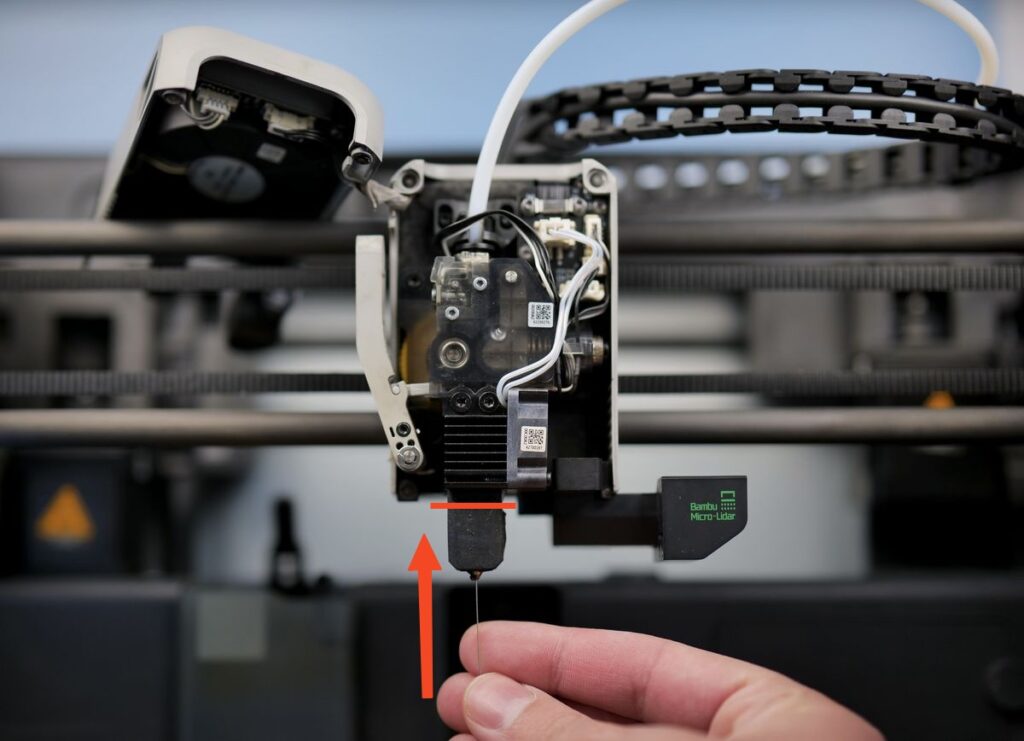
For light clogs, a cold pull method works wonders. Heat the nozzle, feed a small length of filament in, and let it cool to a semi-solid state. Then, gently pull it out. The filament will grab residue and clear minor blockages. Repeat this process until it comes out clean.
3. Use a Cleaning Needle or Kit
If the nozzle is still clogged, use a cleaning needle or nozzle cleaning kit. Carefully insert the needle into the nozzle opening while it’s hot. Move it gently to dislodge any buildup. Be patient and avoid applying too much force.
4. Remove the Nozzle for Deep Cleaning
If the clog persists, turn off the printer, let it cool, and carefully unscrew the nozzle using pliers or a wrench. Submerge the nozzle in acetone (for ABS) or clean it manually with isopropyl alcohol. For stubborn residue, apply heat with a small torch or heat gun to burn off the debris.
5. Reinstall and Test
Once clean, reinstall the nozzle securely. Heat up the printer and run a small test print to ensure the nozzle is extruding filament smoothly. If everything flows perfectly, you’re ready to resume printing!
Preventative Maintenance Tips
Once clean, reinstall the nozzle securely. Heat up the printer and run a small test print to ensure the nozzle is extruding filament smoothly. If everything flows perfectly, you’re ready to resume printing!
Regular maintenance is essential to avoid nozzle clogs and keep your 3D printer running smoothly. Here’s how you can prevent issues:
- Use high-quality filament: Cheap or poorly stored filament can contain dust or moisture, which leads to buildup and clogs. Invest in good filament for consistent results.
- Clean your nozzle regularly: Clean it after every few prints, especially when switching materials. The leftover filament can cause partial clogs or inconsistent extrusion.
- Store filament properly: Keep it in an airtight container with desiccants to avoid moisture buildup. Moisture can lead to poor prints and nozzle jams.
- Check your temperature settings: Always match the printer’s temperature to the filament type. Overheating can burn filament, causing clogs and blockages.
- Inspect the nozzle and extruder: Regularly check for wear and tear or early signs of clogs. Catching these early saves you time and hassle later.
A little maintenance now can prevent bigger problems down the road—keeping your printer running smoothly and your prints looking great.
Elevate Your 3D Printing with Additive Plus
In conclusion, learning how to clean a 3D printer nozzle is essential for maintaining optimal print quality and preventing frustrating clogs. By using simple methods such as regular cleaning, cold pulls, and checking temperature settings, you can keep your nozzle in top shape, ensuring smooth and consistent extrusion for flawless prints.
If you’re ready to take your 3D printing projects to the next level, Additive Plus is here to help. With over 10 years of experience, we specialize in helping clients integrate and optimize 3D printing technologies seamlessly into their operations.
Our curated portfolio features industry-leading brands like Farsoon Technologies, Kings3D, offering a wide range of materials and services to meet diverse needs. From design to consulting, we provide the expertise and tools to bring your ideas to life.
-
Bambu Lab X1E
For professionals and engineering applications.
-
Technology:
FFF
-
Materials:
Plastic Filaments
-
Technology:
-
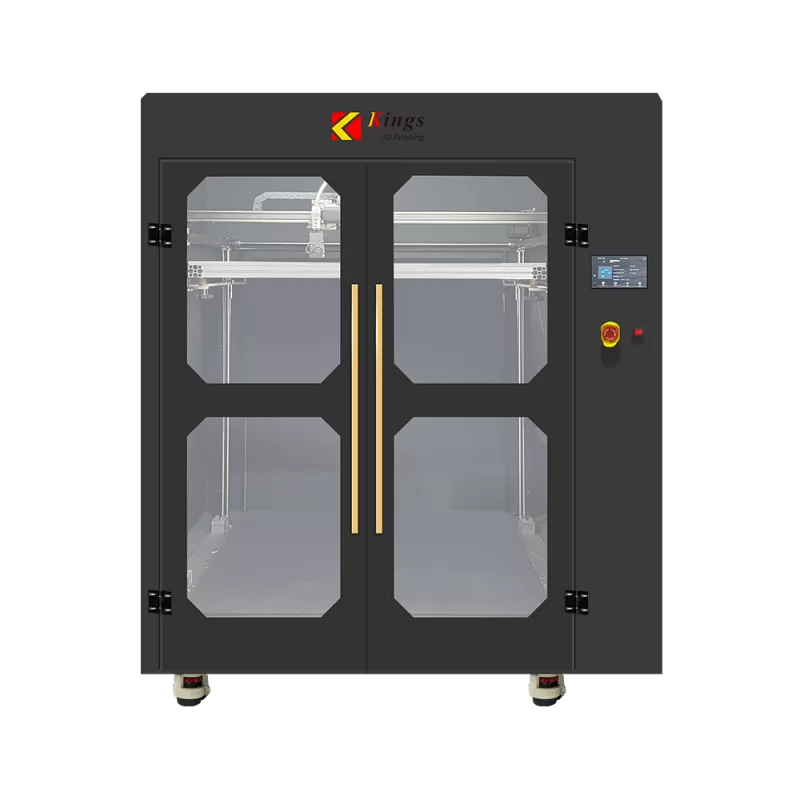
Kings FDM 3D Printer 1000
An industrial-grade FFF printer designed for large-scale, precise printing.
-
Technology:
FFF
-
Materials:
Plastic Filaments
-
Technology:
-
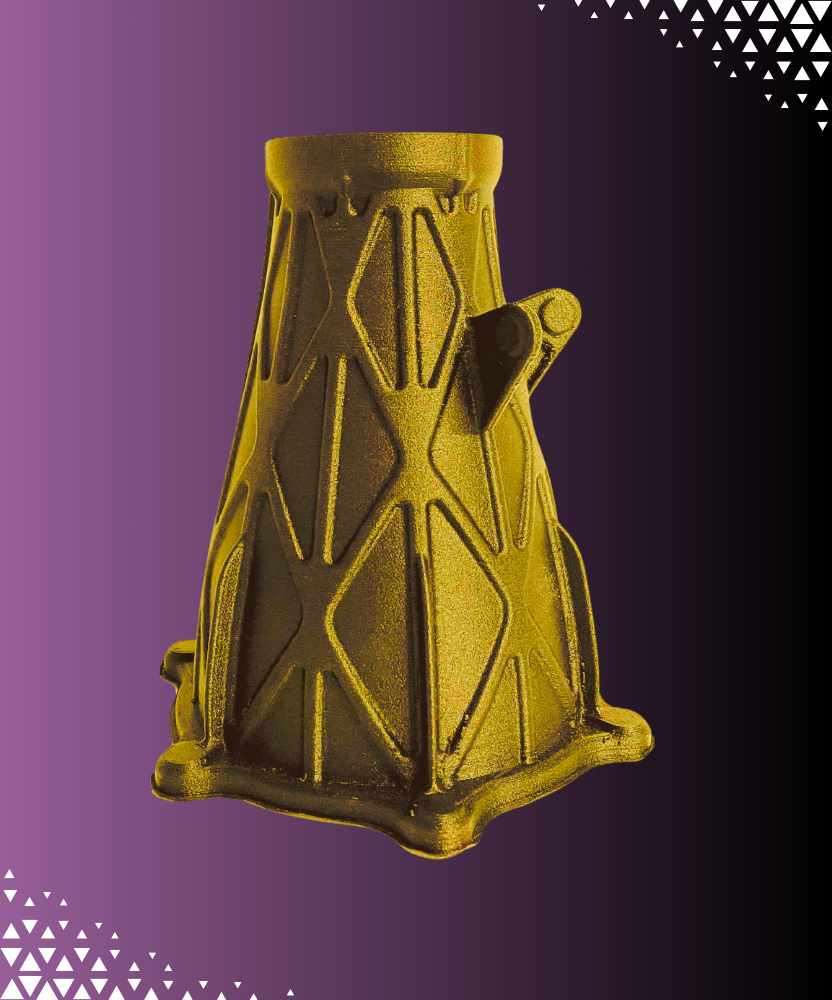
FDM 3D Printing – Cost-Effective Plastic Parts
Affordable and versatile 3D printing for prototypes, functional parts, and end-use plastic components.
FAQ
How often should I clean my 3D printer nozzle?
It’s a good practice to clean your 3D printer nozzle every few prints, especially when switching filament types. If you notice problems like uneven extrusion or clicking noises, it’s a sign that you need to clean your nozzle sooner to avoid clogs.
How can I tell if my 3D printer nozzle is clogged before starting a print?
You can spot signs of a clogged nozzle if your prints are coming out unevenly, if you’re hearing clicking noises from the extruder, or if no filament is coming out during the print. If you notice any of these, it’s time to figure out how to clean the 3D printer nozzle and prevent further issues.
What should I do if the cold pull method doesn’t work for unclogging my nozzle?
If a cold pull doesn’t resolve the clog, you can try using a nozzle cleaning kit or cleaning needle to gently dislodge stubborn debris. If the clog persists, removing the nozzle for a deeper clean might be necessary to fully clear it.
How can I prevent my 3D printer nozzle from clogging in the first place?
To prevent clogs, always use a high-quality filament, store it properly in airtight containers, and regularly clean your nozzle. Additionally, make sure your printer’s temperature settings are correct for the filament you’re using to avoid overheating or underheating, which can lead to clogs.
How do I clean a 3D printer nozzle without damaging it?
To clean your 3D printer nozzle safely, use tools like a nozzle cleaning kit or cleaning needle designed specifically for this purpose. Be sure not to use excessive force when cleaning, as that can damage the nozzle. Always heat the nozzle to the appropriate temperature to make the cleaning process easier.
Can I use a sharp tool to clean my 3D printer nozzle?
While it’s possible to use a sharp tool like a cleaning needle, be careful when inserting it into the nozzle. Applying too much force can damage the nozzle. Always ensure that the nozzle is slightly heated for the safest and most effective cleaning.
How to unclog a 3D printer nozzle if it's completely blocked?
If your nozzle is fully blocked, you’ll need to remove it from the extruder and clean it manually. Soak the nozzle in acetone (for ABS filaments) or use isopropyl alcohol to dissolve residue. A heat gun can help burn off any stubborn material that is causing the clog.
What is the cold pull method, and how does it help unclog a 3D printer nozzle?
The cold pull method involves heating the nozzle to a lower temperature, feeding a filament through, then allowing it to cool and solidify. When you pull the filament out, it grabs debris, clearing minor blockages. It’s a simple and effective way to learn how to unclog a 3D printer nozzle.
How to clean a 3D printer nozzle if it's clogged with multiple types of filament?
When your nozzle is clogged with different filament types, start with the cold pull method. If it doesn’t work, remove the nozzle and soak it in acetone or isopropyl alcohol to dissolve the debris. Heating the nozzle can also help burn off stubborn residues.
Can a clogged 3D printer nozzle affect the overall print quality?
Yes, a clogged nozzle can lead to under-extrusion, poor adhesion, and uneven layers, negatively impacting your print quality. If you’re struggling with any of these issues, learning how to clean 3D printer nozzle regularly will ensure smooth, high-quality prints.
Explore What’s New in 3D Printing
Can You 3D Print Metal? A Comprehensive Guide to Metal 3D Printing Technologies
3D Printing for the Medical Industry: A Review of Essential Technologies and Trends
How Long Do Resin 3D Prints Last? Factors Affecting Durability and Longevity in 3D Printing
How Can LFAM Boost Efficiency and Flexibility in the Automotive Industry?