Skip to content

Bambu Lab X1 Carbon Combo + PrintLab Education Bundle

$2,048

This powerful combination merges the speed and precision.


  • Technology:

    FFF

  • Materials:

    Plastic Filaments

Request a quote
  • Description
  • Details
  • Materials
  • Documents
  • Videos
  • Review

Description

FEATURES

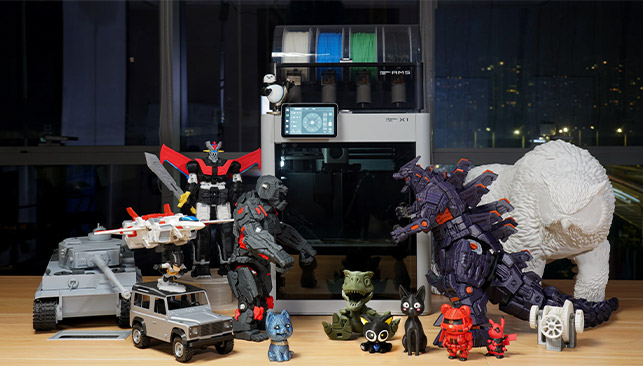
x1-carbon-combo-img

What to Expect from the X1-Carbon Combo 3D Printer

  • Core XY with 20000 mm/s² acceleration
  • Up to 16 multi-color printing
  • Dual auto bed leveling
  • 7μm lidar resolution
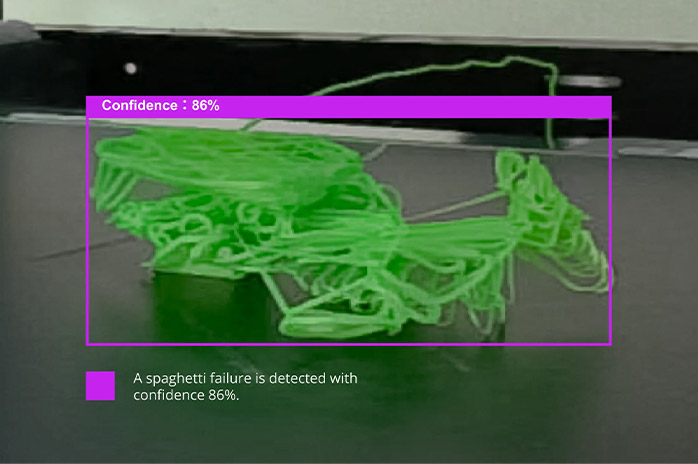
  • Spaghetti failure detection
  • AI inspected first layer
  • Full advanced features of X1 3D printers

Designed for Speed

CoreXY
Welded Chassis

32 mm3/s
Flow

20 m/s2

Acceleration

500 mm/s
Velocity

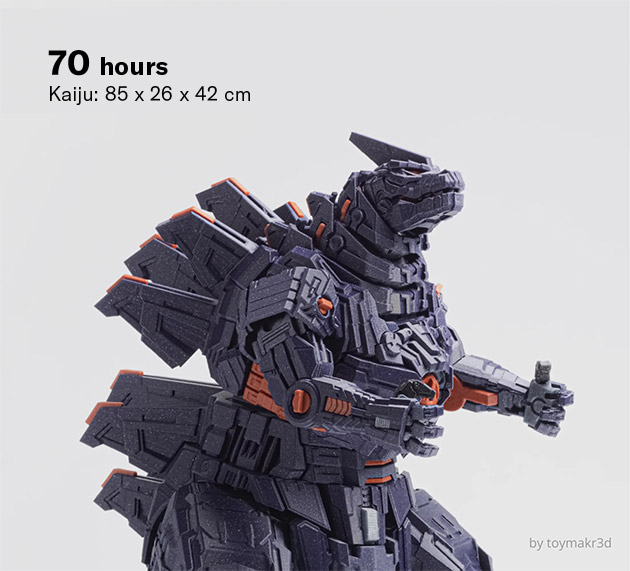
bl-kaiju-img
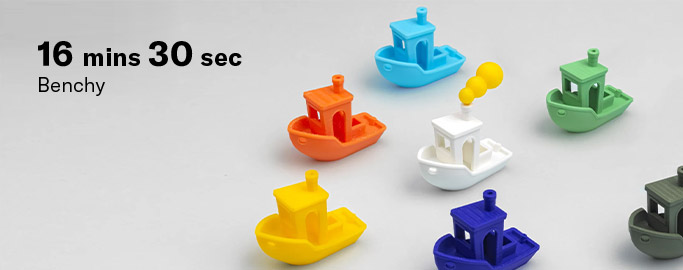
bl-benchy-img
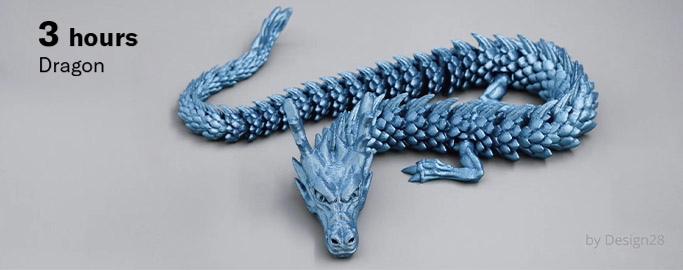
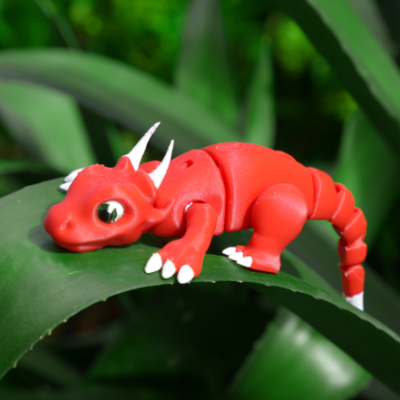
bl-dragon-img-1
advance-material-img

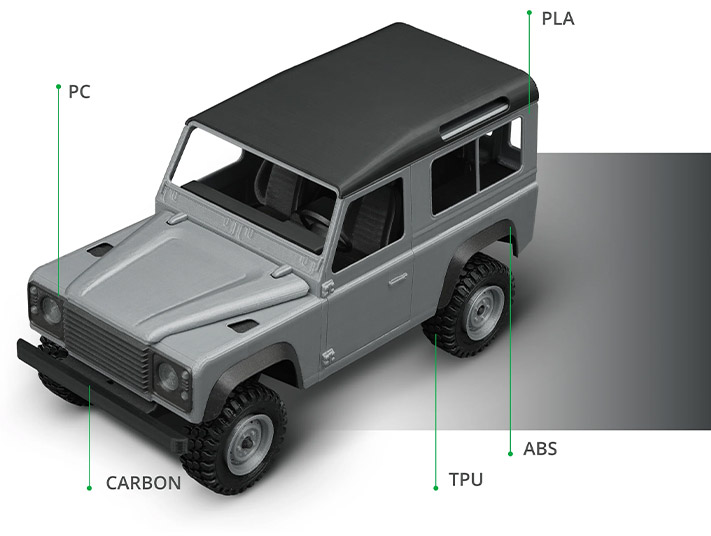
Advanced materials empower advanced projects

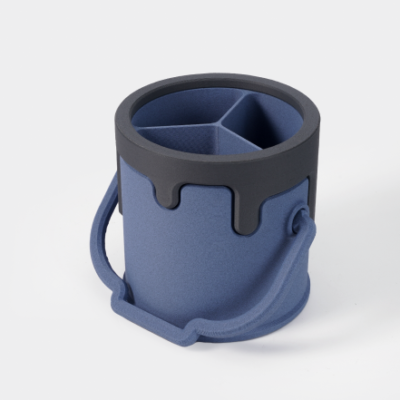
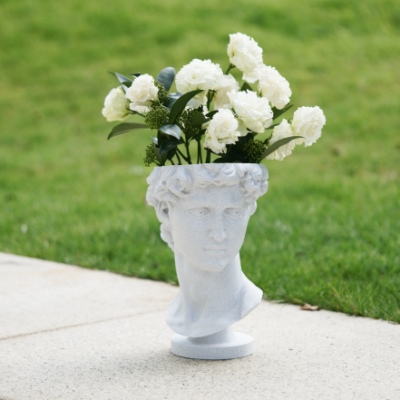
Bambu Lab X1 Carbon, equipped with extra cooling and a hardened nozzle and carburized drive gear, unlocks a wider selection of materials, including PA, PC, PET, and TPU, and specializes in carbon fiber and glass fiber reinforced polymers.

colors-beyond-img

Colors & Beyond

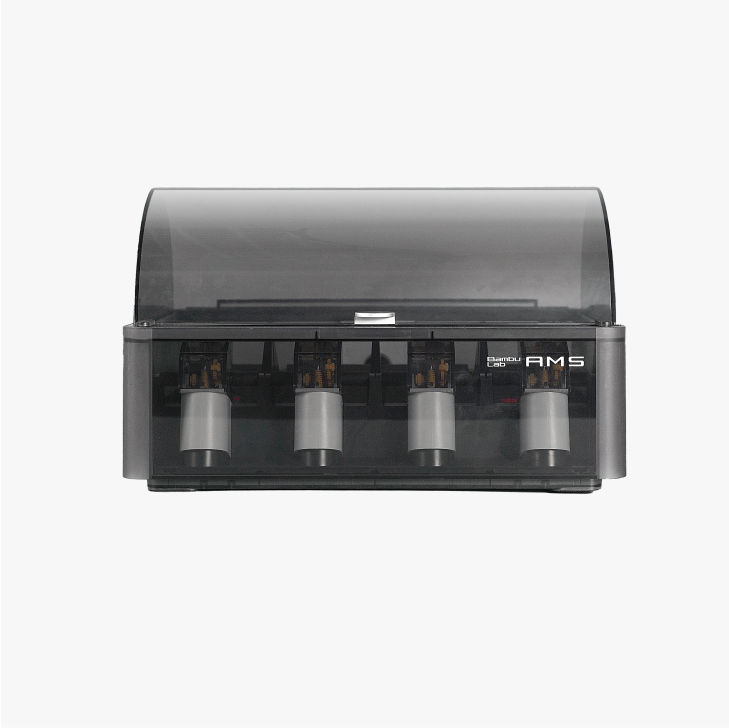
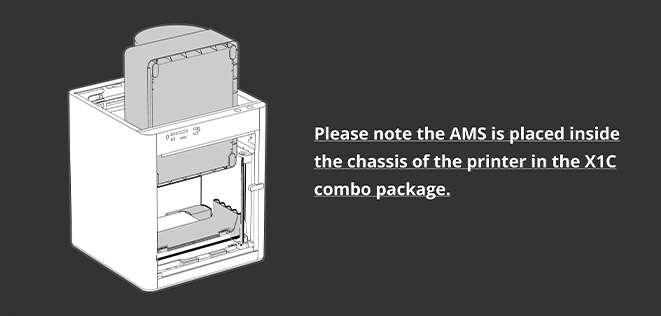
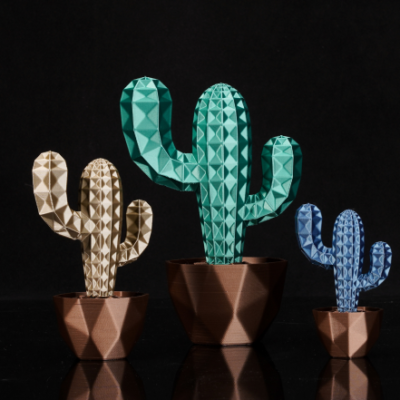
With Bambu Lab Automatic Material System (AMS), you can now enjoy printing freely in multiple colors and materials. Each AMS unit supports up to 4 colors. Purchase additional AMS units for more colors.

ai-powered-evo-img

AI-Powered Evolution

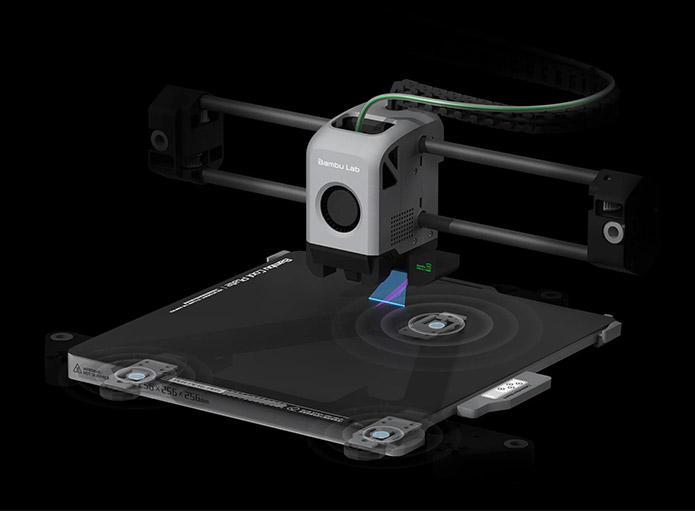
Dual automated bed leveling for doubly guaranteed prints

ai-inspected-layer-img

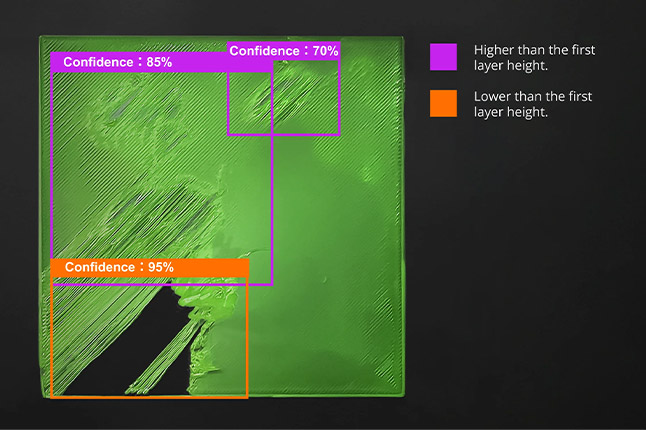
AI inspected first layer

Tired of waiting out that first layer? The lidar sensor can check your first layer so that you can get back to doing…anything else..

spaghetti-detection-img

Spaghetti detection

Our AI keeps an eye out for Spaghetti monsters, so that you can sleep easy in the knowledge that your printer is safe from this scourge.

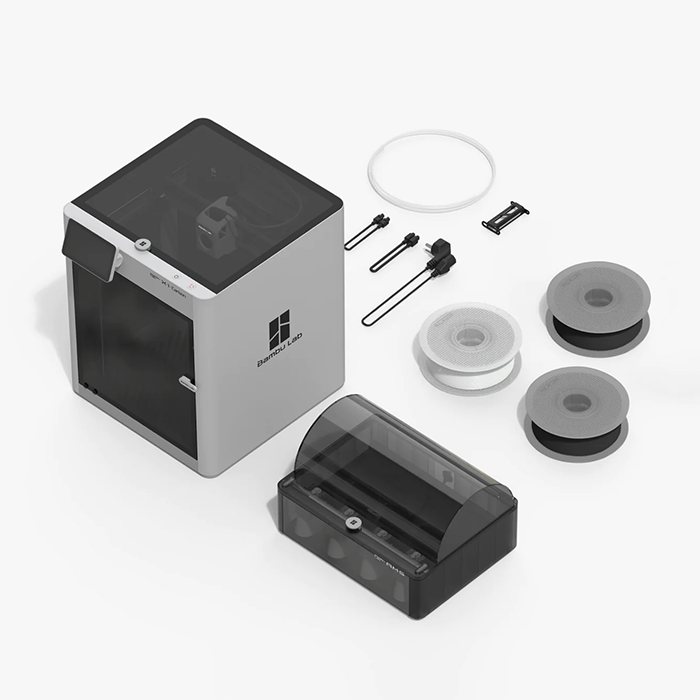
What's in the box

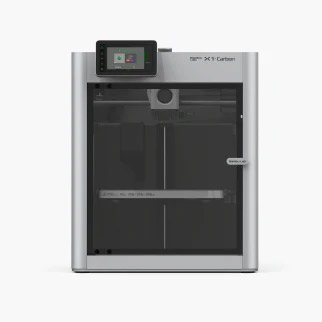
bl-x1-carbon-img

Bambu Lab X1 Carbon

Bambu-Lab-X1E-Additive-Plus-6

AMS

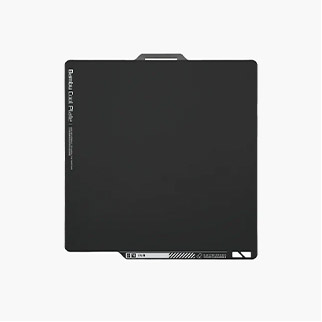
build-plate-img

Build Plate

Bambu-Lab-X1E-Additive-Plus-4

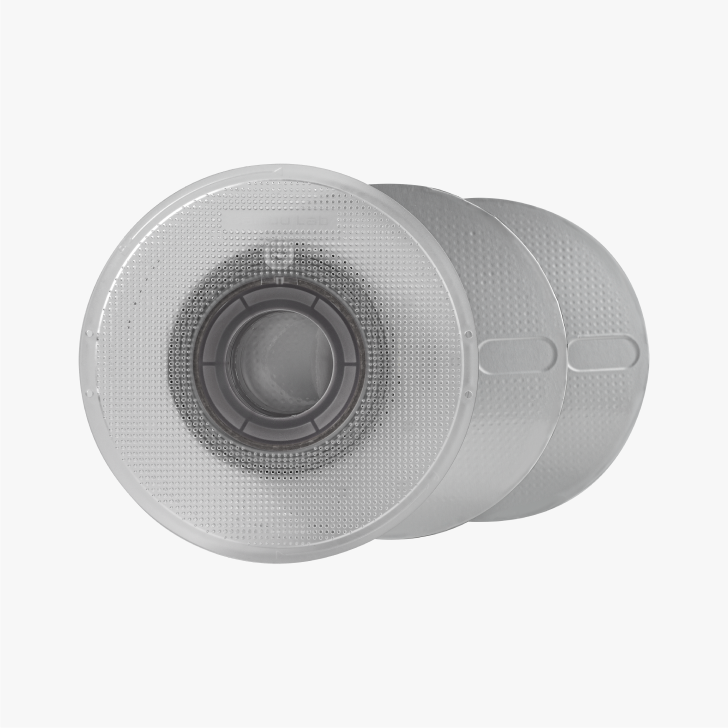
Bambu Filament Samples (Random Color)
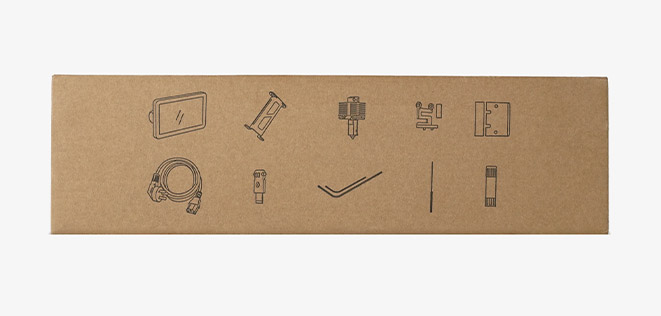
accessory-box-img

Accessory Box
x1c-combo-package
Frame_77_1

PrintLab Teacher License – 1 Year

For individual teachers and STEM instructors

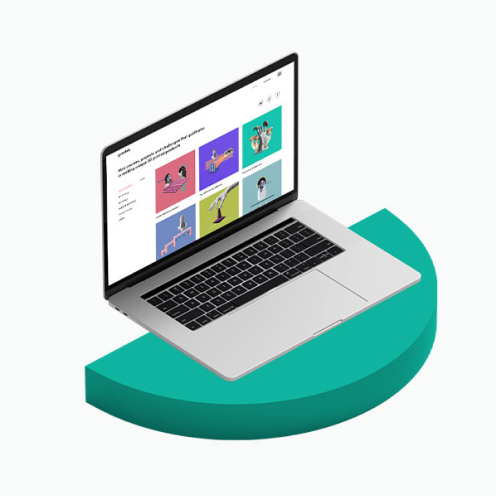
PrintLab is an online platform of 3D printing resources for schools. Pick and choose from a growing library of 3D printing resources to make assistive technology, homeware, architectural models, sculptures and much more.

  • certification for 1 teacher
  • certification for 35 students
  • mini courses
  • design projects
  • design challenges
  • tools and tutorials library
  • standards-aligned lesson plans
  • portfolio templates
  • assessment rubrics
  • share 3 resources at a time
  • monthly additions
  • 3 Categories of Resources

    Figure_mini_courses.jpg

    Mini Courses

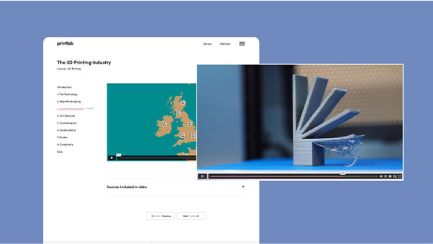
    Mini courses are based on informative video content or step-by-step tutorials. They help users to build foundational knowledge in 3D printing and technical skills in 3D design software using Tinkercad or Fusion 360 software (both free for personal use).

    Figure_projects.jpg

    Projects

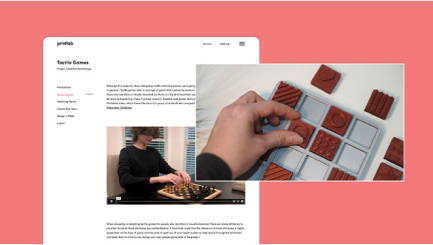
    Projects guide users through each stage of the design process to make specific types of products in the fields of assistive technology, customized product design and STEM. They include a brief background information, 3D design tutorials, portfolio templates and instructions on implementing various design methods such as user interviews, brainstorms, idea sketches, product evaluations and more.

    Figure_challenges.jpg

    Challenges

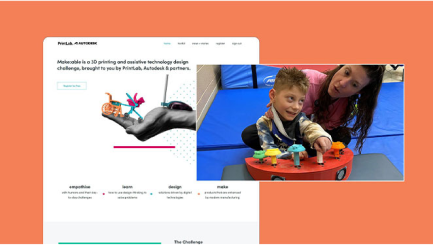
    Challenges are global design competitions (with prizes!) where users will solve a real-world problem with 3D printing. Challenge briefs are broad and open-ended, giving users complete freedom in both the product created and the design process undertaken. Our first challenge is Make:able – a yearly assistive technology design competition. Additional challenges will be launched in due course.

    Using PrintLab at your Makerspace

    Simply select a resource, generate a share link and send it to students to give them one-click access to the learning platform. No logins required! Additional features that save teachers time and stress include:


    Standards-aligned lesson plans and teacher instructions with each resource
    Portfolio templates that students can fill in to document their design process
    Assessment rubrics to grade portfolios

    Figure_share_links.jpg

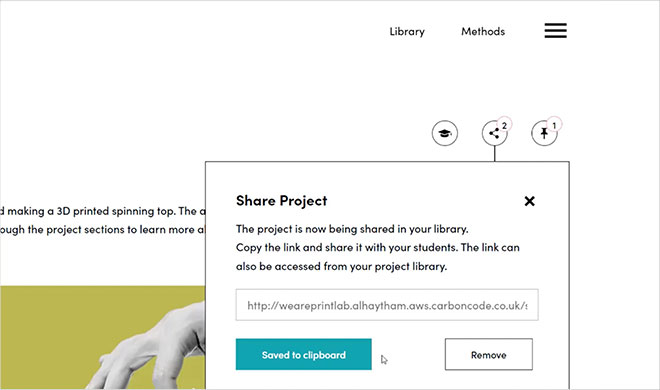
    Share Links

    Select a resource, generate a share link and send it to students to give them one-click access to the learning platform. No logins required!

    Figure_teacher_resources.jpg

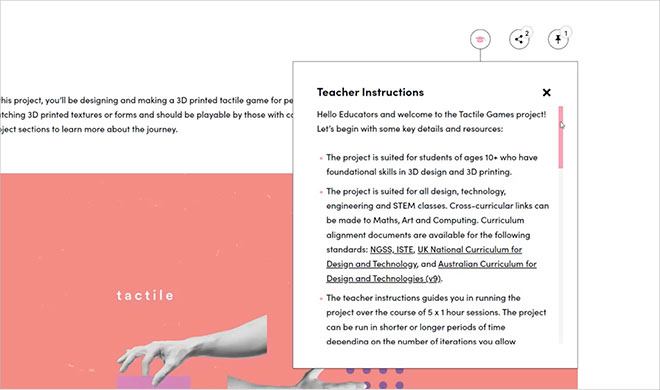
    Teacher Resources

    Each resource comes with a teacher instructions tab, which provides users with step-by-step lesson plan instructions. As users go through the resource sections, the teacher instructions update accordingly.

    Our curriculum is aligned to the following standards: NGSS, ISTE, UK National Curriculum, New Zealand Curriculum and Australian Curriculum for Design and Technologies (v9). Resources come with both curriculum alignment documents
    and editable assessment rubrics.

    Figure_portfolio_templates_1.jpg

    Portfolio Templates

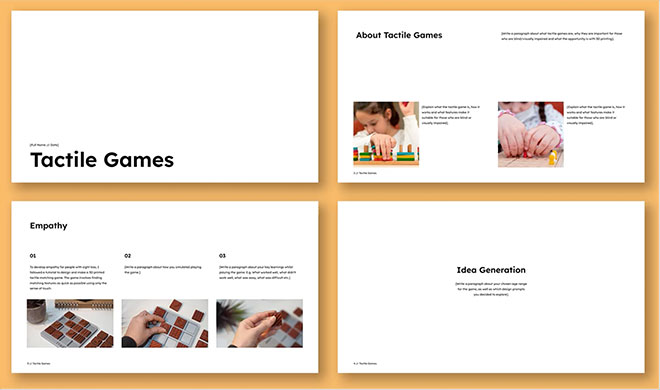
    As students move through each stage of a project, the learning platform guides them in filling in a Google Slides template to document their design process – resulting in a beautiful and professional portfolio of work that can be assessed using the included rubric. The portfolio is optional and you are free to advise students to document their work in alternative ways.

    Figure_method_toolkit_1.jpg

    Method Toolkit

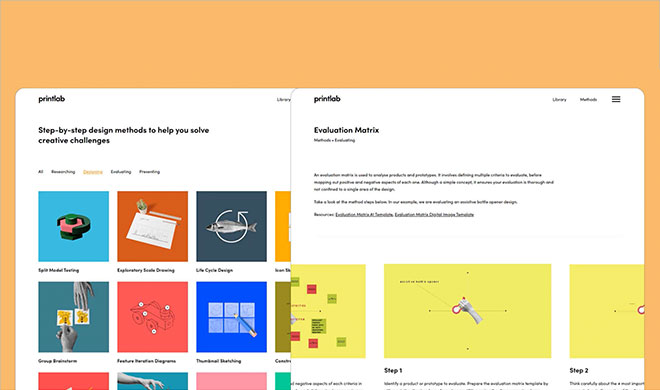
    The Design Method Toolkit is designed to be used while working on projects or challenges. It provides students with a range of step-by-step problem-solving and design activities that can be used at each stage of the design process – whether it’s to research topics, generate ideas, design prototypes, evaluate solutions or present work.

    Applications

    • Build Volume 10×10×10 in, 256×256×256 mm
    • Brand Bambu Lab
    • Technology FFF
    • Working surface temperature ≤120 degrees Celsius
    • Optional nozzle diameter 0.4 mm (included) Hardened Steel Included
    • Printing Materials Plastic Filaments
    • Max Resolution 0.05-1.0 mm
    • Printing Speed 30-350mm/s
    • Operating Temperature 15℃-32℃(60°-90℉)
    • Max Part Size 10×10×10 in
    • Max Hot End Temperature 300 °C
    • Filament Diameter 1.75 mm
    • Max Build Plate Temperature 110°C 220V, 120°C 110V

    Documents

    Videos

    Send Us a Message

    Request a quote

    Scan My Object

    Please describe your part and scanning needs. Include details like size, material, and how you plan to use the 3D model. Let us know if you require additional services like digital sculpting. Upload images of your part(s) if you have them.

    Ask for details

    Partner with us

    Get instant quote

    Talk to Material Expert

    Select the unit of measurement for your file
    No 3D file? We’ve got you. We can design it for you or scan your existing part.
Upload a photo or drawing if you have one — we’ll get in touch soon.
    Select the unit of measurement for your file
    No 3D file? We’ve got you. We can design it for you or scan your existing part.
Upload a photo or drawing if you have one — we’ll get in touch soon.
    Select the unit of measurement for your file
    No 3D file? We’ve got you. We can design it for you or scan your existing part.
Upload a photo or drawing if you have one — we’ll get in touch soon.
    Select the unit of measurement for your file
    No 3D file? We’ve got you. We can design it for you or scan your existing part.
Upload a photo or drawing if you have one — we’ll get in touch soon.